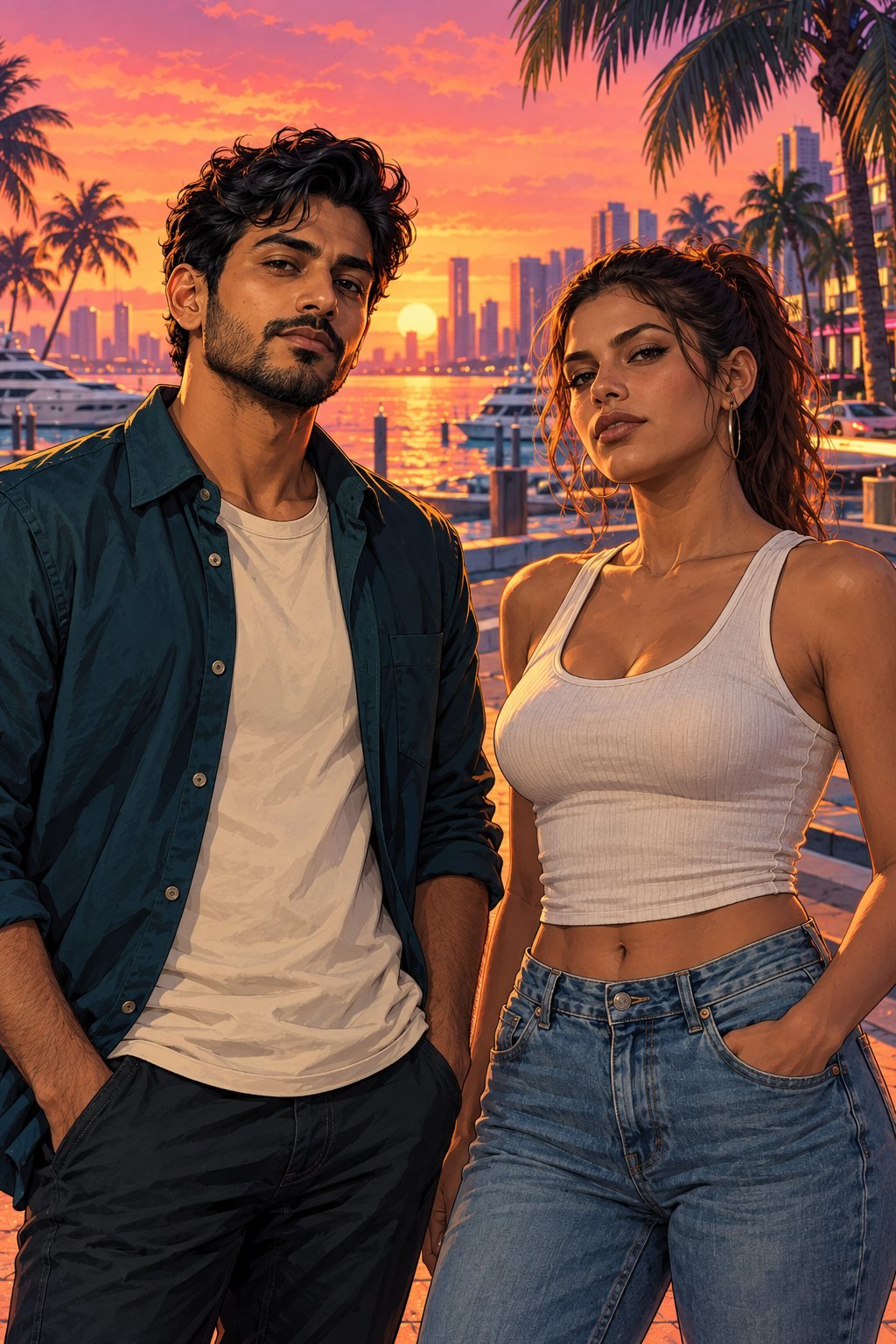
VICE LAB HQ

Find your next stop.

ART STUDIO / PROMPT EDITIONHow it works ↗

GTA 6–INSPIRED PHOTO ART

Your photo.
A whole
new scene.

Find your look. Make it yours. Explore original coastal artwork and build a photo-to-art prompt around you.

Prompt builder available now.
Automatic photo conversion is not connected yet.

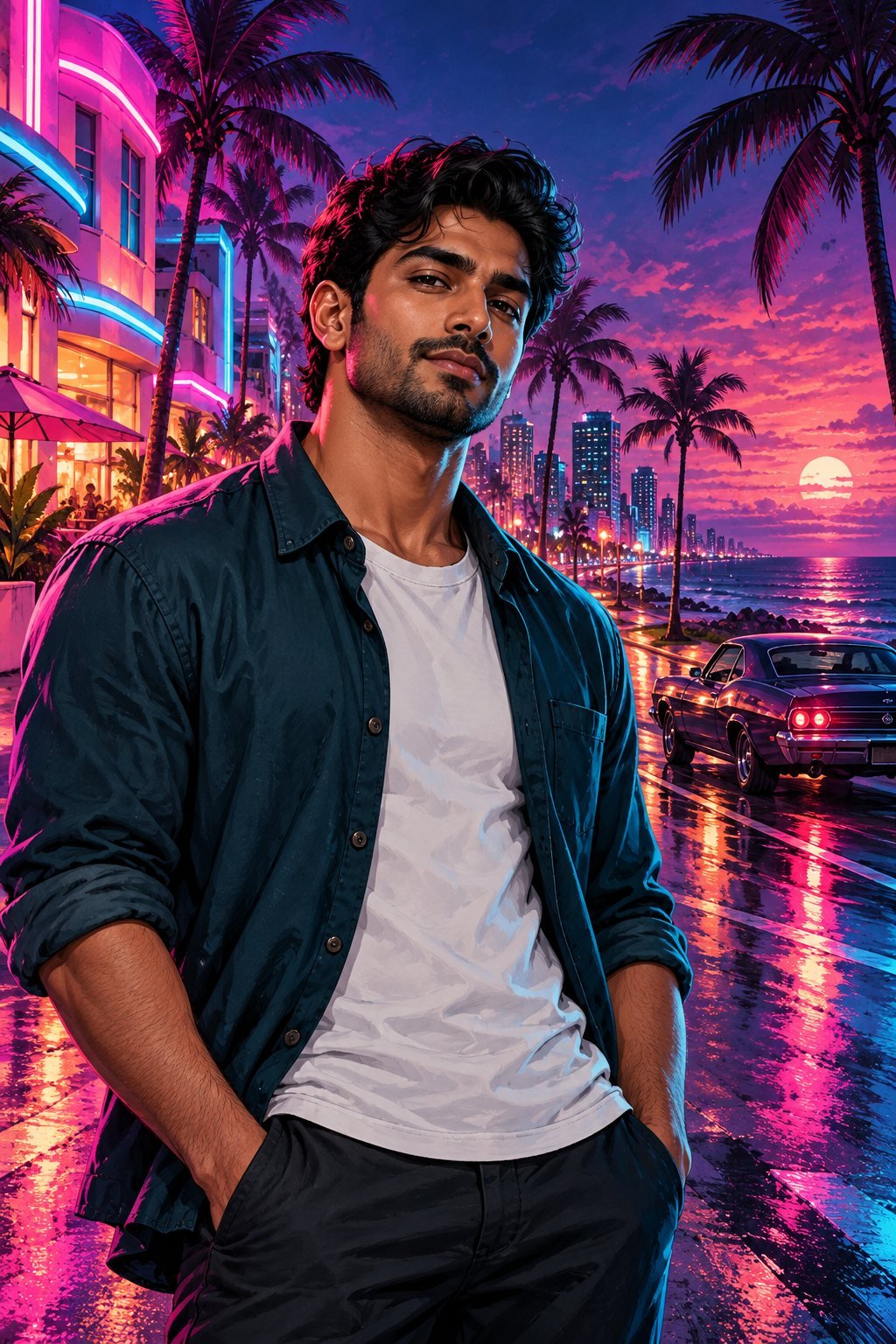
Original illustrated portrait of a fictional man on a neon coastal boulevard
NEON NIGHTS
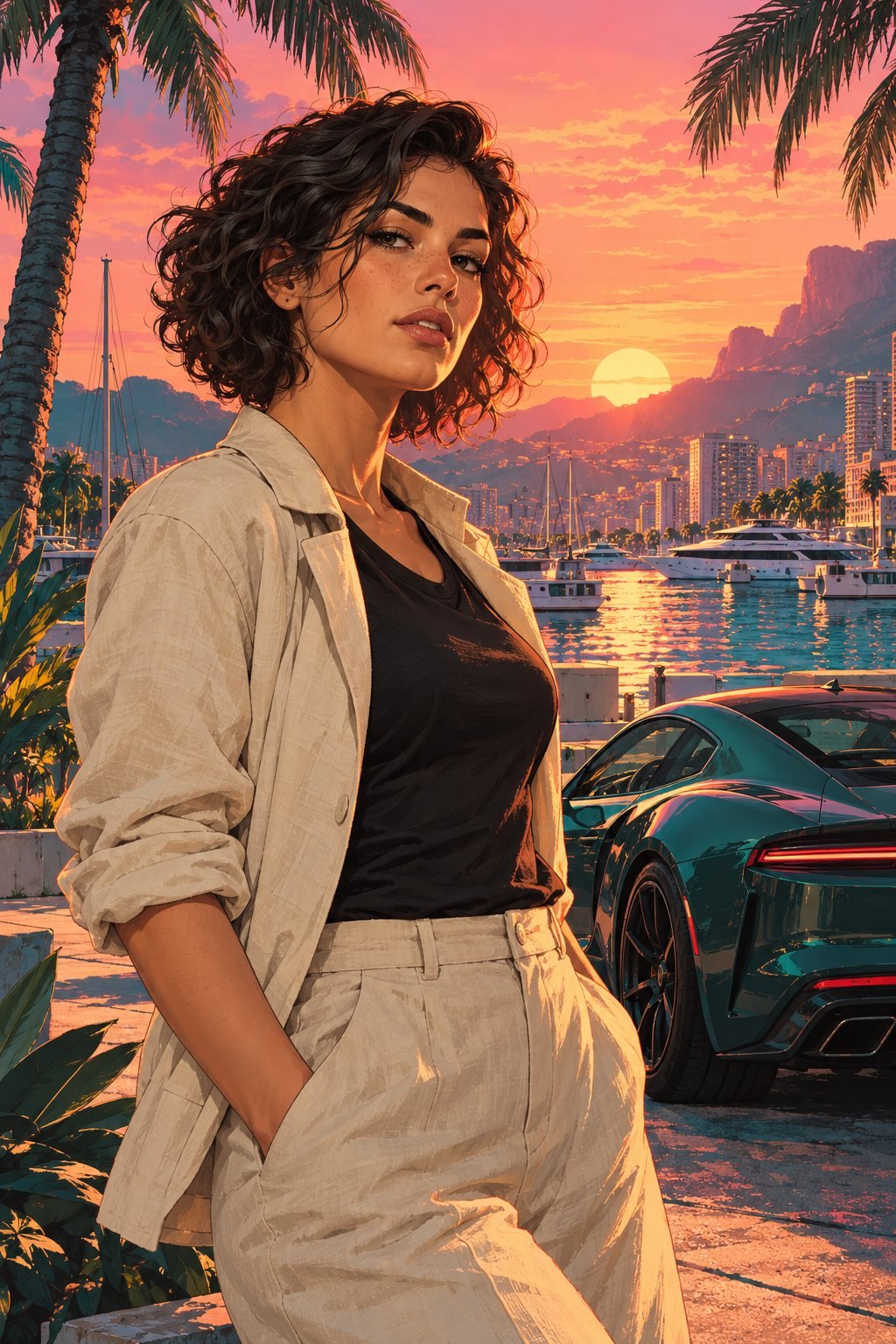
Original illustrated portrait of a fictional woman at a sunset marina
THE SUNSET EDITMain-character energy.
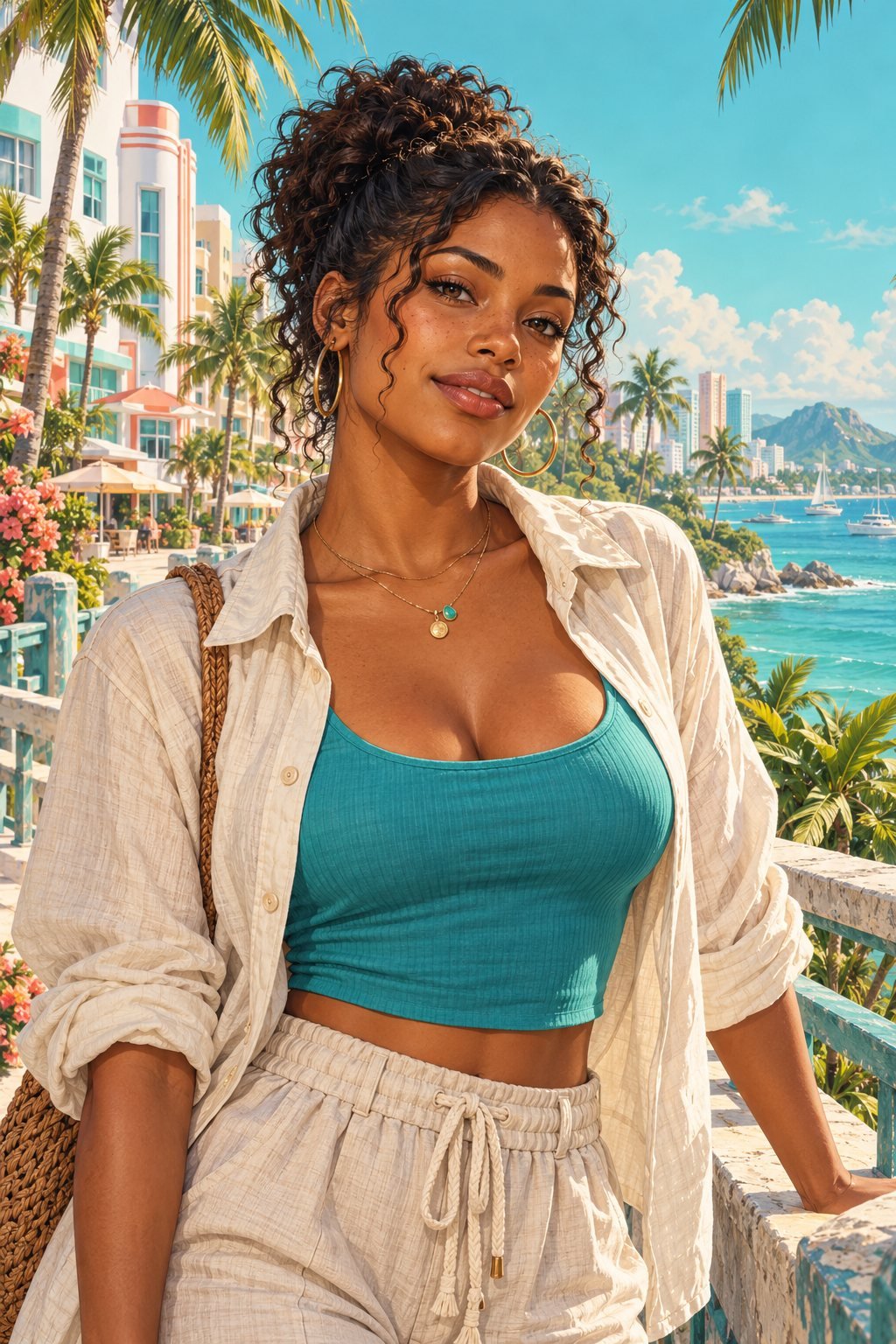
Original illustrated portrait of a fictional woman on a sunlit coastal boardwalk
COASTAL DAYDREAM
YOUR NEXT
PROFILE PICTURE ↗
04 artwork looksPortrait, profile & wallpaperNo signup for promptsCopy & save your prompt

FROM INSPIRATION TO YOUR OWN ART

A look. A photo.
A creative brief.

  1. 01

    Find your scene

    Choose an artwork above, then adjust the composition and illustration style.

  2. 02

    Copy your prompt

    Copy your tailored prompt or save it as a text brief.

  3. 03

    Create in your image app

    Copy your prompt and attach your photo in an image app you use. That app generates the artwork.

MAKE IT PERSONAL

Your portrait, your direction.

PROMPT BUILDER · NO API REQUIRED
01 Choose your look
02 Set the composition

THE NEXT CHAPTER

From photo to poster.
All in one place.

Direct AI conversion is planned for Art Studio, with a limited free tryout and paid image credits. It is not available yet. Today, the prompt builder is free to use.

COMING LATER

BETTER INPUT. BETTER START.

How to prepare a
GTA-style portrait.

Choose a sharp, evenly lit photo with one visible face and room around your head and shoulders. Avoid tiny screenshots and heavy beauty filters.

Use a square frame for a profile picture, portrait for a character poster, or landscape for a wallpaper. Ask your image app to keep your facial features, skin tone and age, then review the result carefully.

These prompts describe an original tropical game-poster aesthetic: painted detail, expressive contours and coastal light. They do not reproduce game assets.

A FEW THINGS TO KNOW

Before your next look.

How do I turn my photo into artwork?

Choose a look, copy your prompt and paste it into an image app that supports photo editing. Attach your photo directly in that app to generate artwork. This website builds prompts; it does not generate images yet.

Are these real before-and-after results?

No. The gallery shows AI-generated concept artwork. The Lucia card includes an unofficial interpretation of Lucia Caminos. These examples demonstrate creative directions, not a tested conversion pipeline or guaranteed likeness.

Is this an official GTA 6 photo generator?

No. ViceLabHQ is an independent fan project, not affiliated with Rockstar Games or Take-Two Interactive. GTA is a trademark of its owner. This is an original fan-inspired prompt tool.

Will the artwork keep my face exactly the same?

That depends on the image app and your photo. Image editing can change facial details. Check likeness and anatomy before sharing. Identical likeness is not guaranteed.

Do I upload my photo to ViceLabHQ?

No. This prompt builder does not accept or store photos. Upload your photo only in the image app you choose to generate your artwork. That app’s privacy policy applies.

Is the prompt builder free?

Yes. Browsing, copying prompts and saving briefs are free here. Your chosen image app may charge for generation. Future automatic conversion will have its own published limits and pricing.

Your privacy choices

No advertising or analytics runs here. Allow local storage to save Mystery Board notes on this device.

This preference control is not a certified advertising consent platform.